


Beware of Impersonation Scams
Government officials will NEVER do these things over a phone call:
- Ask you to transfer money;
- Ask you to disclose bank log-in details;
- Ask you to install mobile apps from unofficial app stores;
- Transfer your call to Police.
If you receive an SMS from the government, make sure it is sent from the gov.sg SMS Sender ID*.
Scammers may cite your personal information (e.g. name or NRIC number) to appear legitimate. Do not automatically trust someone just because he/she has your personal information.
Call the 24/7 ScamShield Helpline at 1799 to check if you are unsure if something is a scam.
To find out more about Government Officials Impersonation Scams, visit www.scamshield.gov.sg.
* Exceptions apply for National Service call-ups and emergency services. Read more about the exceptions.
|
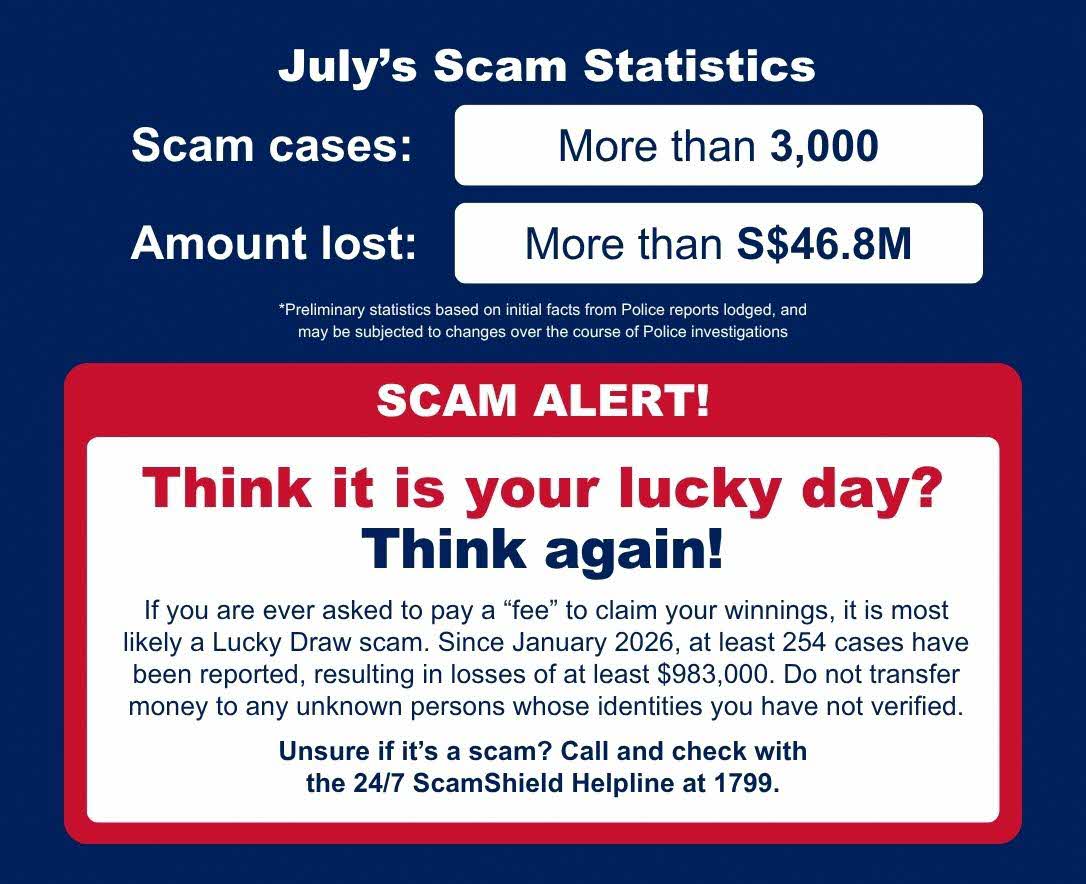
Offered an online job involving Pokémon or other trading cards? It could be a scam! |
|
Download the Anti-Scam Resource Guide for information on the investigation process for scam cases and resources available to support you. |
|
Learn about the latest and past scam trends from www.scamshield.gov.sg |

|
Access www.scamshield.gov.sg which is a one-stop information and resources portal on scams.
|
Content Overview
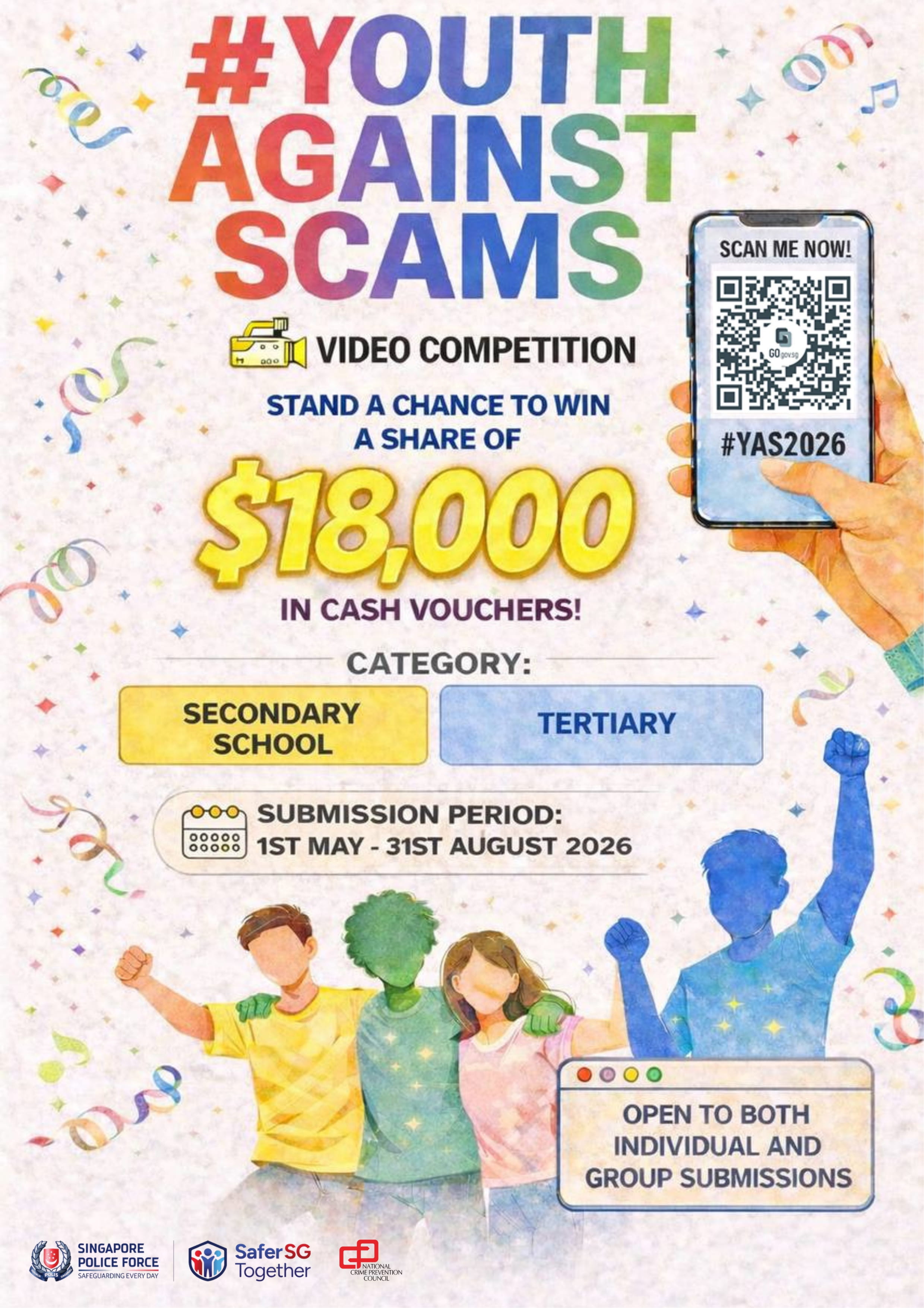
#YAS2026 is the fourth iteration of the Singapore Police Force, Clementi Police Division's anti-scam video competition that taps into youths' ability to create trendy scam education videos that resonate with their peers and leverages their social media networks to amplify SPF's anti-scam messaging efforts.
Format of #YAS2026
#YAS2026 will be held from 01 May 2026 12:00am to 31 August 2026 6:00pm.
The competition features two categories:
a) Secondary Category, open to all current students from secondary schools.
b) Tertiary Education, open to all current students from the following education institutions:
• Institute of Technical Education,
• Polytechnics (including Nanyang Academy of Fine Arts and LASALLE College of the Arts),
• Junior Colleges,
• Universities, and
• Private Schools for Secondary and Tertiary Education
Participants may participate as individuals or as teams1. Teams must comprise students from the same school only.
1Students who successfully register early will receive complimentary access to an exclusive videography and acting workshop conducted by Ngee Ann Polytechnic's Film & Media Studies and Singapore Drama Educators Association to equip them with essential skills to create high-quality video content and boost their chances of winning!
Creation of Video Entry
Participants are required to create TikTok and/or Instagram video(s) covering at least one scam and/or scam-related offence affecting youths based on open-source information.
Technical Requirements
• The video must be at least 15 seconds long.
• The caption of the video post must contain the following two hashtags: “#YAS2026”, and “#SingaporePoliceForce”.
• The video must display the following ScamShield 1799 advisory at the end of the video.
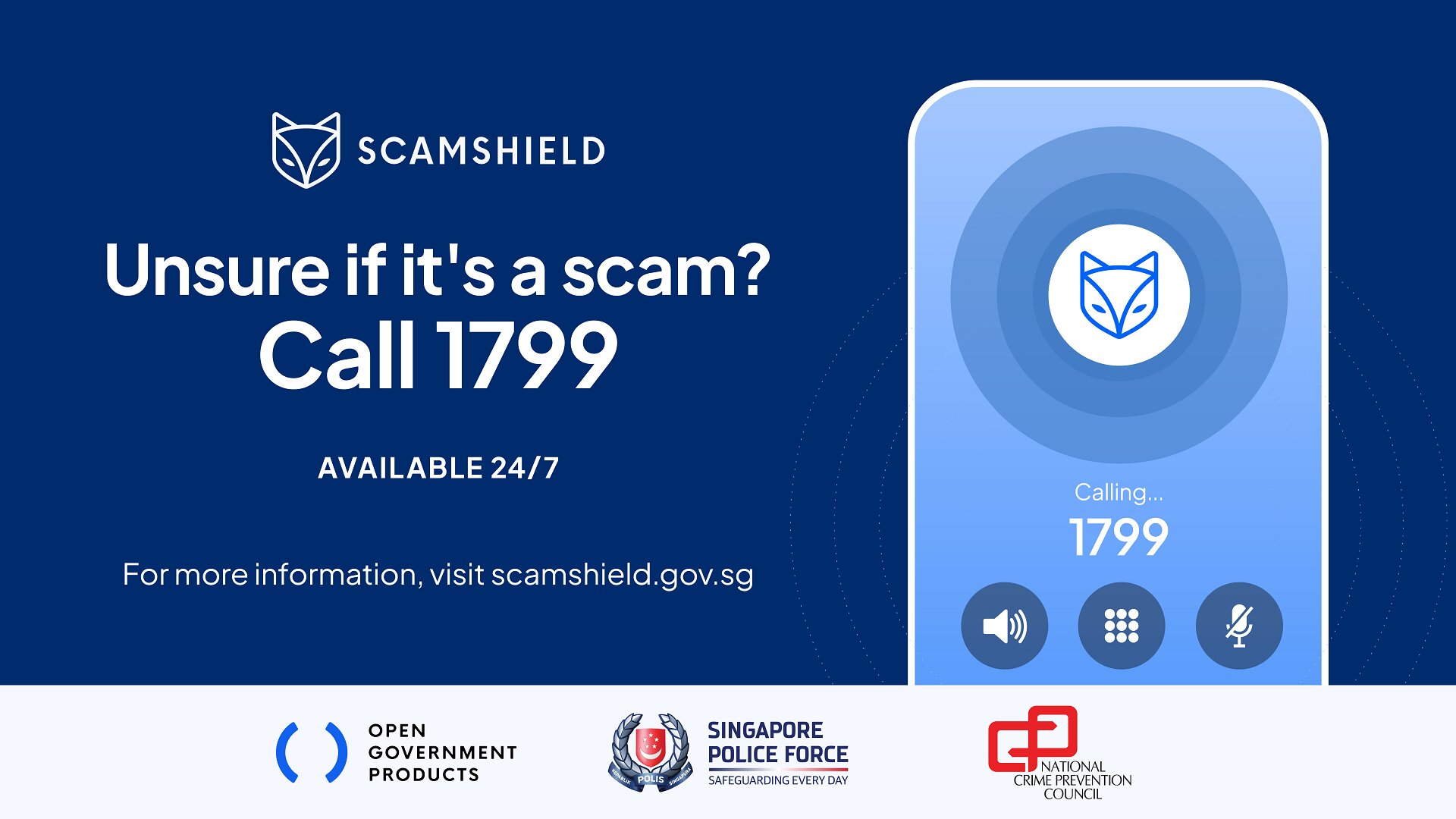
• The video must be posted on TikTok and/or Instagram. TikTok videos must be video posts while Instagram videos must be posted as both Video and Reel posts.
• The video must be available for public viewing throughout 2026 and be able to capture the Views, Likes and Shares statistics.
Judging and Prizes
Video entries will be judged based on two criteria – Virality and Content.
Winners can look forward to receiving the following cash vouchers:
|
Secondary School Category |
Tertiary Education Category |
|
1st – $4,000 cash voucher |
1st – $4,000 cash voucher |
Resources and Reference Materials
YAS 2026 Rules and Regulations [PDF 302KB]
Annual Scam and Cybercrime Brief 2025 [PDF 681KB]
ScamShield Website


